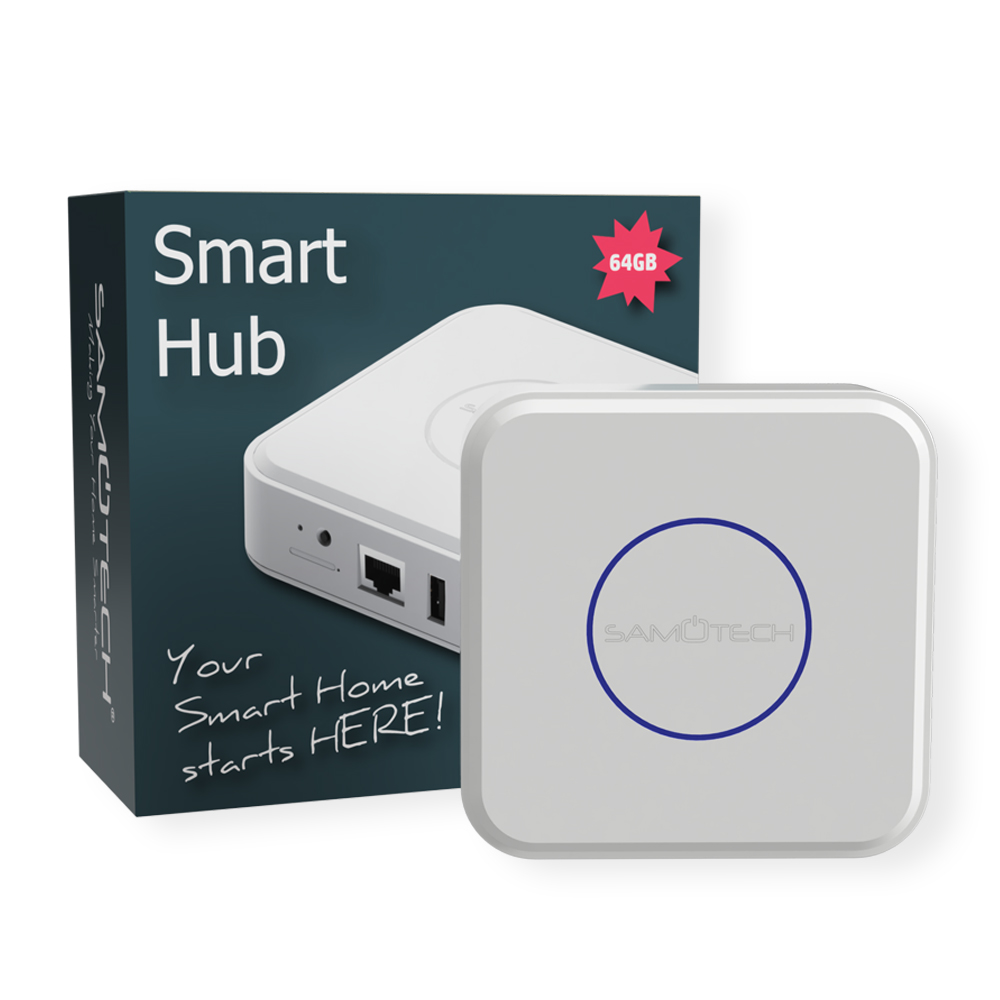
An all-in-one Home Assistant hub – the SM310ZHA. Comes pre-installed with the latest Home Assistant OS, built-in Zigbee 3.0 radio, and optional Z-Wave 700-series radio in the dual-protocol variant. Replaces a Raspberry Pi + Zigbee dongle + Z-Wave dongle + SD card + antenna setup with a single fanless box. Ready to use in 5-10 minutes from power-on.
Three variants:
- Zigbee only – cheapest variant, suitable if you only plan to use Zigbee devices (the majority of our catalogue).
- Z-Wave only – for households already using Z-Wave devices and not planning to add Zigbee.
- Zigbee + Z-Wave (recommended) – both radios in one box, gives you maximum flexibility for future device choices.
Why pre-installed Home Assistant beats a Raspberry Pi build
- No setup time – plug in, browse to
homeassistant.local:8123, finish the onboarding wizard. 10 minutes from box to running. - No supply-chain hassles – Raspberry Pi 4 availability has been intermittent for years. SD cards corrupt. Power supplies need to be specific spec. This hub bypasses all of that.
- Faster storage than SD – internal eMMC flash, not an SD card. Massively reduces the storage-failure problem that’s plagued Pi-based HA installs.
- Integrated antennas – Zigbee and Z-Wave antennas are properly placed inside the case for full omnidirectional coverage, not a USB stick on a cable.
- Fanless design – silent, no moving parts. Sits in your living room or office without noise.
- Officially supported HA Supervised installation – the full add-on ecosystem is available, including Mosquitto, Zigbee2MQTT, ESPHome, Frigate, AdGuard, and hundreds more.
What you can do with it
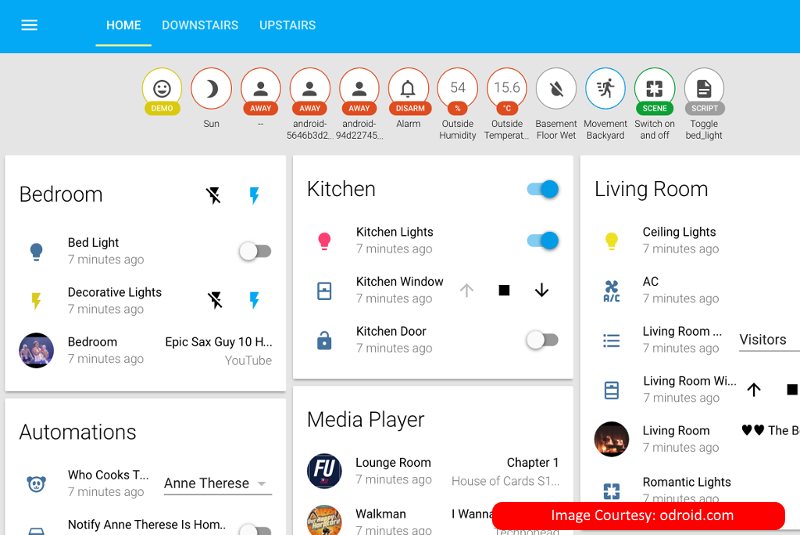
Home Assistant has over 2,000 integrations. With this hub you get out-of-the-box control of:
- All Samotech Zigbee devices (switches, dimmers, modules, plugs, sensors, smoke detectors, leak detectors)
- Generic Zigbee 3.0 devices from any manufacturer (IKEA TRÅDFRI, Aqara, Sonoff, Philips Hue, etc.)
- Z-Wave devices in the dual-protocol variant
- WiFi smart home devices (Tuya / SmartLife integration is built in)
- Matter devices via the Matter integration
- Apple HomeKit – HA exposes all devices as HomeKit accessories via the built-in HomeKit bridge integration
- Alexa, Google Home – via the Nabu Casa cloud or local exposure plugins
Setup walkthrough
- Connect the Ethernet cable from the hub to a free port on your router.
- Connect the power supply (included). Power LED comes on.
- Wait 2-3 minutes for first boot.
- On any device on the same network, browse to
http://homeassistant.local:8123(or use the IP if mDNS doesn’t work). - Run through the Home Assistant onboarding wizard: create an admin user, set location and units, install recommended integrations.
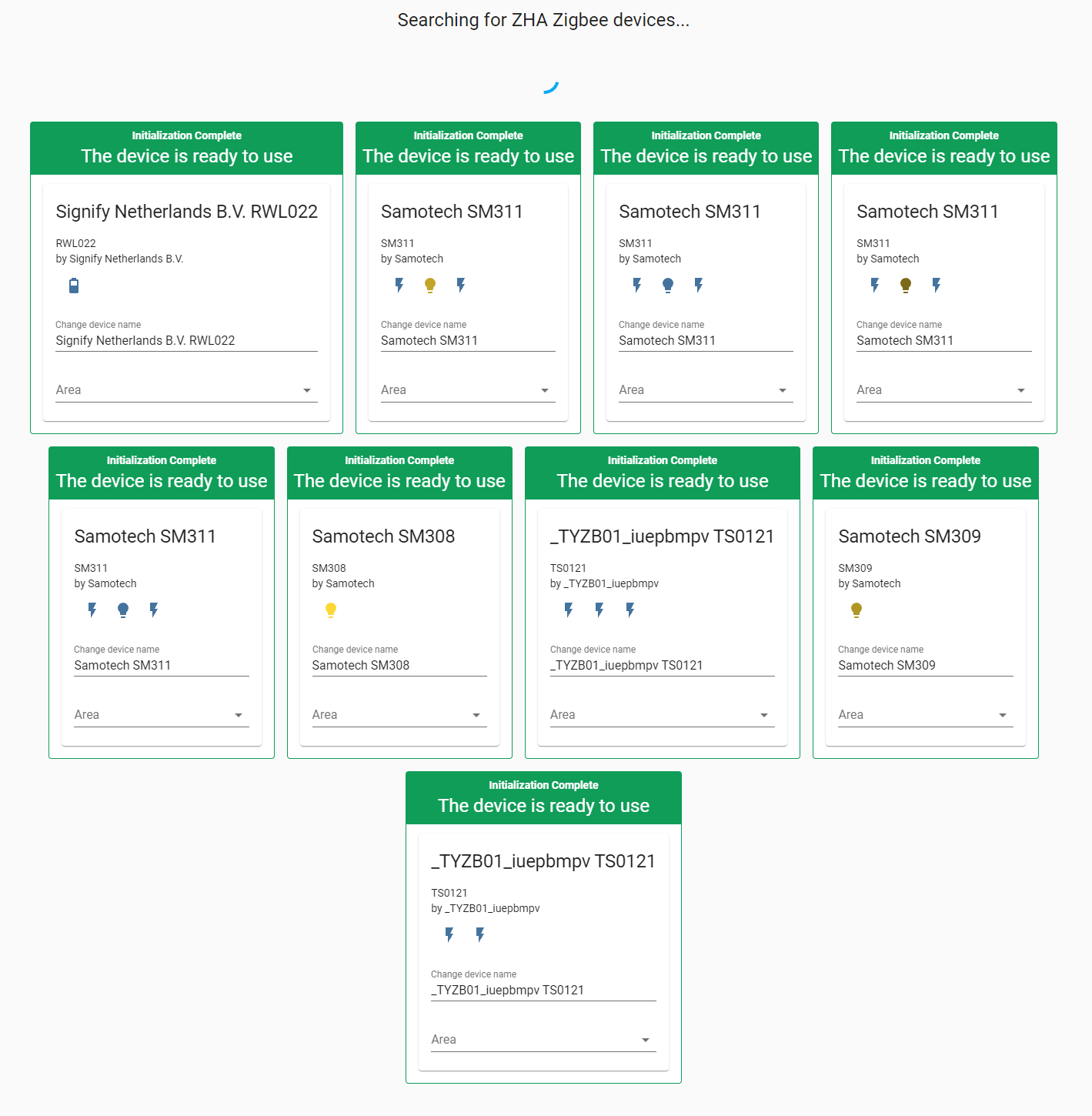
- Add devices: Settings → Devices & Services → Add Integration → Zigbee Home Automation (or Z-Wave JS for Z-Wave variant). Both radios are pre-configured.
- Pair devices following each device’s pairing instructions.
Network requirements
- Wired Ethernet connection to router (recommended)
- Internet access for initial Home Assistant setup and updates (HA itself runs locally afterwards)
- Standard home network – no VLAN configuration needed


This purchase is an upgrade to my original Samotech Home Assistant hub. Great performing hubs that I’ll be running together within my smart home. Highly recommended products.
As a tech-savvy individual, I’m thrilled with the endless possibilities this Zigbee hub and Home Assistant offer. The customization options are unparalleled, and I love being able to create complex automation routines effortlessly. Definitely worth the investment!
So glad I chose this HA gateway – perfect for my needs. Set up is not the easiest but at the end all was sorted.
Five stars all the way for this hub and Home Assistant combo! It’s the heart of my smart home setup, and it’s been a game-changer. Not only does it work flawlessly with my existing devices, but the range and reliability are fantastic. Kudos to the developers for such a fantastic product.
Impressed with the seamless connectivity of this HA device
Finally, a reliable and affordable Home Assistant hub with no limitations!
I’ve tried a few different hubs, but this samotech hub with Home Assistant is hands down the best. The interface is intuitive, and the app is regularly updated with new features. It has become the central hub for all my smart devices, making managing my smart home a breeze.
If you’re serious about creating a smart home, look no further than this Zigbee hub with Home Assistant. The versatility and reliability are top-notch, and the constant updates and community support are impressive. I can’t wait to see what other exciting features will be added in the future!
I’ve tried a few other hubs before, but this hub with Home Assistant takes the cake! The integration and compatibility with various devices are impressive. No more jumping between different apps – it’s all centralized now. Highly recommend it to any smart home enthusiast!