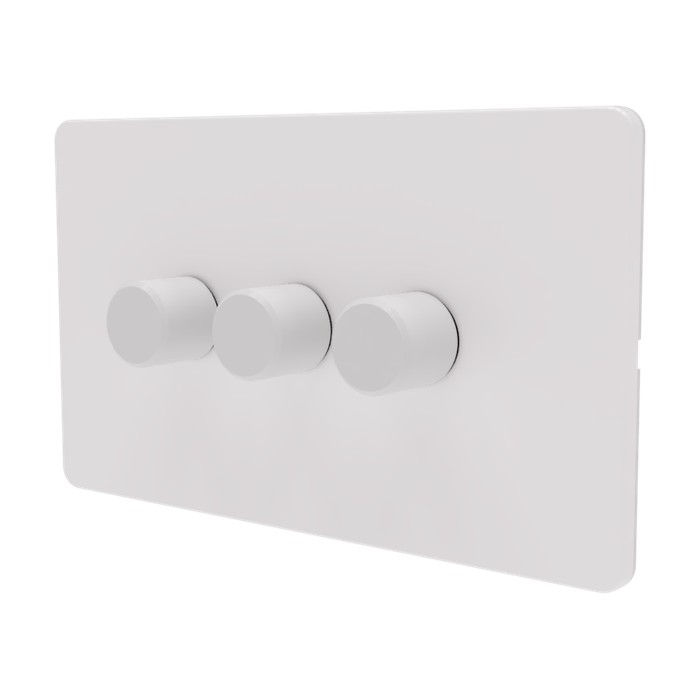
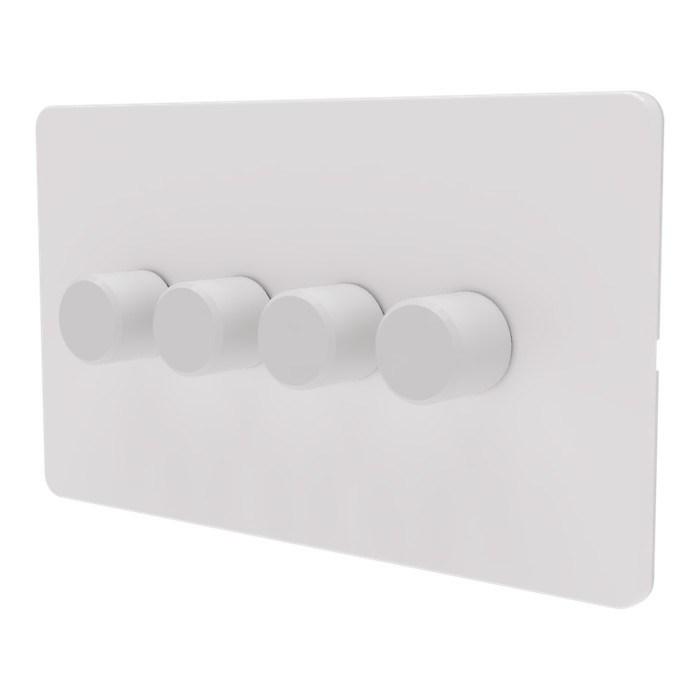
samotech dimmers
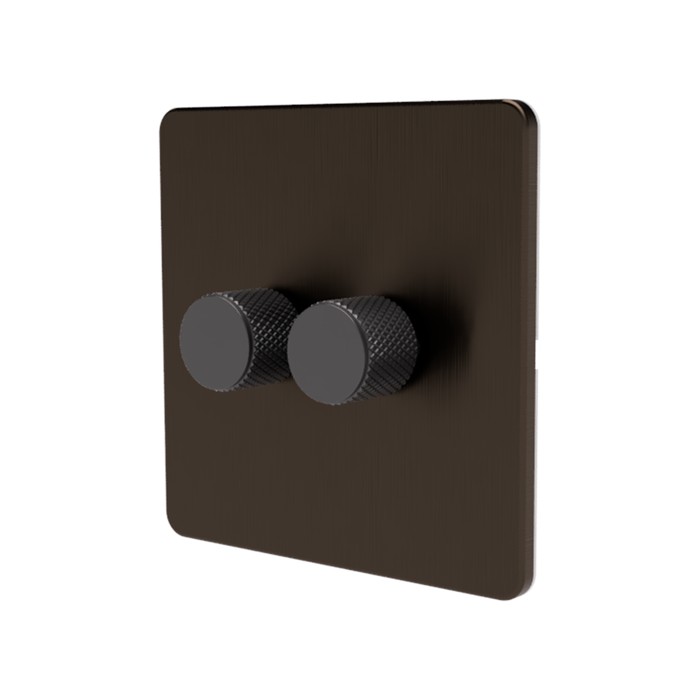
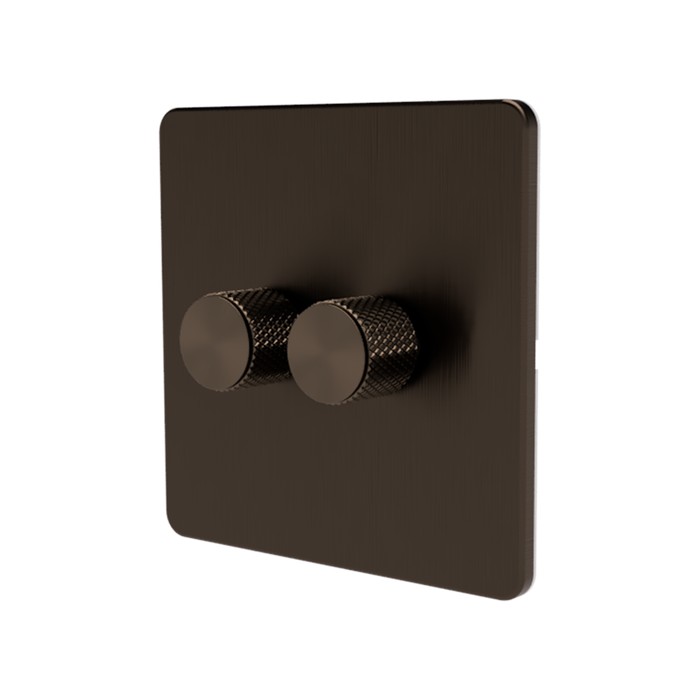
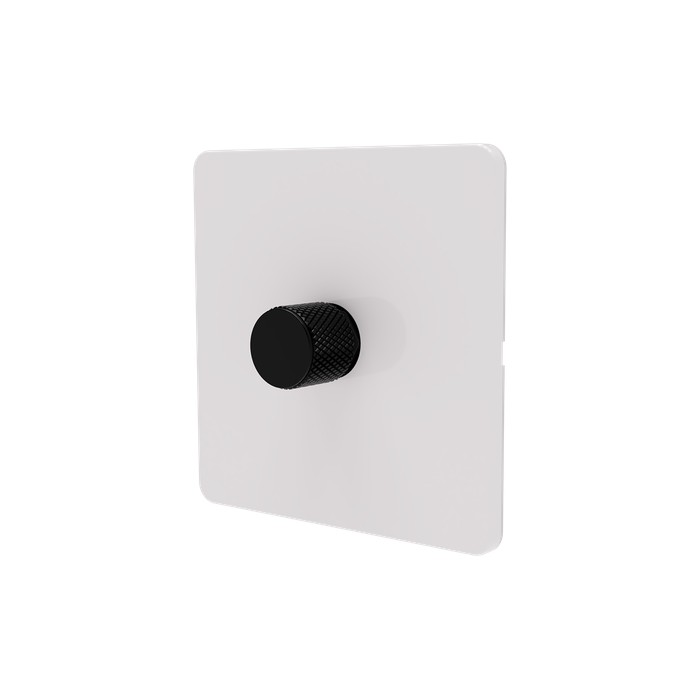
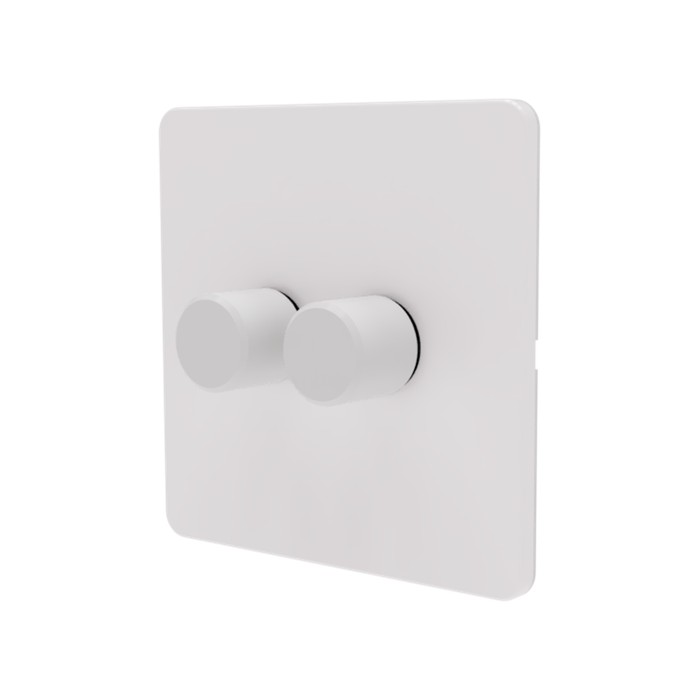
SAMOTECH Zigbee dimmer - white
SM323 Zigbee rotary dimmer — side view
SM323 Zigbee rotary dimmer in Home Assistant
SM323 Zigbee rotary dimmer — Philips Hue view

Zigbee Dimmer Switch – Push/Rotary, No Neutral, Home Assistant & HomeKit Compatible (SM323)

(217 customer reviews)

£38.99

Elevate your home’s lighting with our Smart Samotech Zigbee Dimmer Switch, the perfect upgrade from conventional dimmers. This innovative smart dimmer transforms ordinary lights into smart lighting systems, offering both manual and app-based remote control. Compatible with an array of smart home systems like Home Assistant, Tuya, Smartthings, Amazon Echo Plus, Hubitat and many others, it integrates seamlessly into your smart home ecosystem.

Embrace energy efficiency with our dimmer’s automated features, significantly cutting down on energy expenses. Samotech Zigbee Dimmer Switch offers silent trailing edge dimming, ideal for modern LED and classic halogen bulbs, eliminating the buzz commonly associated with traditional dimmers and providing a smooth, noise-free dimming experience.

Simple and quick to install, the dimmer can be set up in just a few minutes, fitting effortlessly into UK homes’ existing wiring, with no neutral wire needed. For newer UK homes where the neutral wire is present, connecting it to the dimmer enhances control and ensures steadier lighting, particularly helpful with low-wattage LED bulbs as it removes the need for a bypass.

Our Samotech Zigbee Dimmer Switch is designed for versatility, compatible with many certified dimmable bulbs. It supports a broad range of loads from a minimal 5W to a substantial 350W, making it a flexible solution for all your lighting needs, whether retrofitting older installations or setting up new ones.

Press the Configure button to enter the product configurator (next element)

Description

Released in 2020 by Samotech in the UK, the first edition of the SM323 Zigbee Dimmer rapidly earned acclaim among smart home enthusiasts. To meet the escalating demand, we have upgraded and refined its design for a more compact size and additional functionalities. This enhancement extends its compatibility, facilitating its use not only in the UK but also throughout Europe.

The upgraded version of our dimmer boasts a significant advantage: it can be wired with or without a neutral wire. This key feature makes it universally compatible with both UK and EU electrical systems, eliminating the need for complicated rewiring and ensuring an easy installation process. In just a few minutes, you can install your smart dimmer and have it up and running.

Rated for up to 350W, our dimmer switch is versatile enough to handle both energy-efficient dimmable LED bulbs and traditional incandescent/halogen lights, providing robust control over your lighting setup. The Samotech dimmer switch is designed to seamlessly adapt to your existing light fixtures, whether they are modern LEDs or classic incandescent/halogen bulbs.

Our dimmer isn’t just a device; it’s a comprehensive solution for elevating your home lighting into a smart system. It offers broad compatibility with various Zigbee hubs, fosters energy-saving through smart automation, and integrates smoothly with your current lighting setup. The Samotech dimmer switch brings the future of lighting into your home, offering the convenience of remote control, intelligent automation, and a hassle-free installation experience.

Comparison Chart
SM323 V1 vs SM323 V2

SM323 V1 (2020-2023) V2
Size (L × W × H)
64 × 27 × 24 mm
DISCONTINUED
51 × 26 × 24 mm
Zigbee Clusters
• 0x0b04: Electrical Measurement ✔️
• 0x0702: Simple Metering ✔️
Wiring
Live only ✔️ ✔️
Live + Neutral (no bypass required) ✔️
Compatibility (back box)
UK ✔️ ✔️
EU ✔️
Lights activation time Delay No delay
Lights activation Push only Push or Turn
2-Way wiring
Light switch compatibility Retractive Retractive (default);

Standard On/Off*

* Mode activation available upon request at the time of purchase.

Zigbee2MQTT users can now change the mode on their own.

Size Comparison Video

Customer reviews on Amazon UK
4.5
★★★★★★★★★★
Based on 36 customer reviews on Amazon UK

5 star

73%

4 star

14%

3 star

8%

2 star

0%

1 star

5%

Aggregate review figures sourced from the Amazon UK product listing. We do not republish individual review text or photographs.

Additional information

Weight 30 g
Dimensions 51 × 26 × 24 mm
Brand

Samotech

Frequently Asked Questions

Will the SM323 dim my LED bulbs?

Yes, the SM323 is a trailing-edge dimmer designed for dimmable LED, halogen and incandescent bulbs from 5W to 200W. Some low-wattage LEDs may need a bypass capacitor for stable dimming at low loads, and when used with Live wire only.

Does the SM323 work with Home Assistant?

Yes, the SM323 uses native Zigbee 3.0 protocol and integrates directly with Home Assistant via ZHA or Zigbee2MQTT. It also works with Hubitat, SmartThings, and any Zigbee 3.0 hub. No cloud account or proprietary hub is required.

Does the SM323 require a neutral wire?

No, the SM323 does not require a neutral wire — it works in both no-neutral and conventional installations. In no-neutral wiring, bridge the L and N terminals as shown in the wiring diagram. If a neutral is present at the switch position, connect it normally for the most stable performance.

Can I use the SM323 in a 2-way circuit?

Yes, the SM323 supports 2-way and intermediate switching when paired with retractive (default config) switches or standard (pre-configured) on/off light switches.

Can I disable dimming on the SM323 and use it just as an on/off switch?

Lights connected to the SM323 can be turned on or off either by rotating the knob or by simply pressing it. If you want to avoid dimming altogether, just use the press action. Note that with non-dimmable bulbs, accidentally rotating the knob can still cause slight flickering, so dimmable bulbs are always preferred where possible.

Can the SM323 Zigbee be used in decoupled or smart-bulb mode?

The SM323 is designed to be wired directly to standard 220–240V dimmable bulbs and does not support a true decoupled or smart-bulb mode. As a workaround, you can wire the dimmer with Live and Neutral only (no light load attached) so it appears in your Zigbee controller (Home Assistant, Hue, SmartThings, etc.). You can then use it as a trigger for automations that control other smart devices. In this setup only the on/off action is reliable — rotating the knob will not translate to dimming on remote devices.

Are the SM323 faceplates and knobs metal or plastic?

Samotech faceplates are made of plastic except the Chrome and Brass finishes, which are metal. All knobs are made of high quality aluminium except where the variant name specifically states plastic (for example, "white plastic"). Check the variant you have selected on the product page for the exact material.

When wired using only the Live wire, lights tend to flicker at full brightness.

Ensure you follow the wiring diagram correctly. If your dimmer is installed without a neutral wire, bridge L and N terminals as indicated in the wiring diagram.

My lights remain faintly lit even when turned off.

This phenomenon may occur if the dimmer is connected to a very low load. In such instances, the use of a bypass is recommended.

The dimmer knob remains stuck in the pressed position and doesn't pop back out.

The nut securing the dimmer to the metal faceplate may have been overtightened. Loosen it slightly to allow the knob to press and move freely.

The dimmer doesn't always react when the knob is pushed.

The knob could have been fitted too deeply. Slightly pull the knob for 1-2mm before pushing it gently again.

What third party faceplates are compatible with the new SM323 Zigbee modules?

Most 1 and 3-gang third-party faceplates are compatible. However, we recommend using original Samotech faceplates, as they provide access to the front reset and brightness adjustment buttons.

What is the method for resetting the lights if the reset button is inaccessible?

To reset the dimmer, cycle the power from the consumer unit five times.

Why do my lights flicker rapidly when I adjust the brightness using the dimmer knob?

First, verify that your bulbs are indeed dimmable. If they are, wiring a bypass could help solve the flickering issue.

My lights are constantly flashing after a power cut.

The dimmer may have entered Find & Bind mode, which can occasionally be triggered by repeated or unstable power cycling. Standard dimmable bulbs would normally ignore this, however some fixed LED fittings may fail to return to their normal operating state. To exit this mode, switch off power to the module at the consumer unit for a short period and then restore power.

Can two SM323 dimmers be wired together in a 2-way setup to control the same light?

No. However, at the other end you can use a standard light switch, a dummy On/Off dimmer, or a retractive (momentary) switch. Retractive switches work with the default settings on SM323 dimmers, while standard switches or dummy On/Off dimmers require the 2-way mode to be set to Standard.

How do I change the 2 way mode in Zigbee2MQTT?

Make sure your Zigbee2MQTT version is 0.2-1 or newer.
To configure your SM323 dimmer module, simply set the External Switch Type to match your switch:

  • push_switch – default mode for retractive light switches
  • normal_on_off – use this for standard light switches

⚠️ Note: After changing the mode, a power cycle of the SM323 module is required for the changes to take effect.

You can switch between modes at any time to suit your setup.

Manual

SM323 Zigbee Dimmer Manual V1

SM323 Zigbee Dimmer Manual V2

Technical Data

SPECIFICATIONS

Bulbs Compatibility Matrix

BULB / LOAD TYPE COMPATIBILITY RISK LEVEL TYPICAL SYMPTOMS RECOMMENDATION
SAMOTECH Dimmable GU10 SAMOTECH GU10 Compatible None None Recommended
Incandescent / Halogen Incandescent Halogen Compatible None None Recommended
Dimmable LED (Quality brands) Quality LED bulbs Compatible None None Recommended
Dimmable LED (Cheap / unknown) Cheap LED bulbs Conditional Very Low Minor flicker. May not turn off fully. Test first. Use a bypass if required.
Low load LEDs (<15W) Low load LED bulbs Conditional Very Low Minor flicker. May not turn off fully. Use a bypass
LED strips (220V dimmable driver) LED strip dimmable Conditional Medium Minor flicker Test first
Integrated LED fittings (separate LED driver, colour modes) Integrated LED fitting Conditional Medium Flashing or intermittent operation due to internal LED driver control Test first
Non-dimmable LED Non dimmable LED Not compatible High Flicker, overheating Do not use with dimmers
Smart bulbs Smart bulb Not compatible High Disconnects, rebooting Do not use with dimmers
LED strips (220V non-dimmable driver) Non dimmable LED strip Not compatible High Flicker, overheating Do not use with dimmers
Fluorescent / CFL CFL bulb Not compatible High Failure to start Do not use with dimmers

217 reviews for Zigbee Dimmer Switch – Push/Rotary, No Neutral, Home Assistant & HomeKit Compatible (SM323)

4.7
Based on 217 reviews
5 star
76
76%
4 star
19
19%
3 star
3
3%
2 star
0%
1 star
0%

Customer Images

Image #1 from Anonymous
Image #1 from Mark
Image #1 from Tómas Aron
Image #2 from Tómas Aron
Image #3 from Tómas Aron
Image #1 from Peter
Image #2 from Peter
Image #3 from Peter
Image #1 from Rob
Image #2 from Rob
Image #1 from Anonymous

Anonymous

Great switch, it is good that it somewhat follows the standard and fits with other faceplates as the one that comes with it is shiny. Unfortunately the turn key is different diameter so one has to use the supplied knobb which feels nice, but obviously doesn’t match my faceplate.

(0) (0)
Image #1 from Mark

Mark

So far I'm impressed with Samotech I wanted a discrete smart dimmer solution that is "wife approved" and I think I've found it. It appears to be a "normal" dimmer but does extras. Plus having a neutral option wastes less energy and no faint flickering like some do. Please note I installed these is Schneider Ultimate Screwless dimmer back plates so they match the rest of the house, the schneider knobs are slightly too large so I needed to put a peice of thin plastic on the flat to take up the slack. But other than that integrated perfectly!

(1) (0)
Image #1 from Tómas Aron

Tómas Aron

I love those, I had 10 in the house I bought to replace shelly dimmer 2s. I have had them for a year and I'm now adding more, there have been no problems. They are a little different than the ones I had, but no noticeable different in appearance. I used a Berker s1 blanks , drilled a 10mm hole in them and 3d printed a little adapter so I could fit them with what was in the house before! love them , using them with Home assistant to control them. recommend!

(2) (0)
Image #2 from Tómas Aron

Tómas Aron

I love those, I had 10 in the house I bought to replace shelly dimmer 2s. I have had them for a year and I'm now adding more, there have been no problems. They are a little different than the ones I had, but no noticeable different in appearance. I used a Berker s1 blanks , drilled a 10mm hole in them and 3d printed a little adapter so I could fit them with what was in the house before! love them , using them with Home assistant to control them. recommend!

(2) (0)
Image #3 from Tómas Aron

Tómas Aron

I love those, I had 10 in the house I bought to replace shelly dimmer 2s. I have had them for a year and I'm now adding more, there have been no problems. They are a little different than the ones I had, but no noticeable different in appearance. I used a Berker s1 blanks , drilled a 10mm hole in them and 3d printed a little adapter so I could fit them with what was in the house before! love them , using them with Home assistant to control them. recommend!

(2) (0)
Image #1 from Peter

Peter

I bought 4 to replace my existing dimmers. an easy 1-2-1 swop. even without the software control the dimming was very smooth. Configured them as per instructions and now have them in hubitat with voice control.

(1) (0)
Image #2 from Peter

Peter

I bought 4 to replace my existing dimmers. an easy 1-2-1 swop. even without the software control the dimming was very smooth. Configured them as per instructions and now have them in hubitat with voice control.

(1) (0)
Image #3 from Peter

Peter

I bought 4 to replace my existing dimmers. an easy 1-2-1 swop. even without the software control the dimming was very smooth. Configured them as per instructions and now have them in hubitat with voice control.

(1) (0)
Image #1 from Rob

Rob

Seem to work well with Philips Hue. Slightly wider than normal dimmer modules so needed to make the a Click Deco dimmer faceplate holes wider with a Dremel

(1) (0)
Image #2 from Rob

Rob

Seem to work well with Philips Hue. Slightly wider than normal dimmer modules so needed to make the a Click Deco dimmer faceplate holes wider with a Dremel

(1) (0)
Image #1 from Anonymous
Image #1 from Mark
Image #1 from Tómas Aron
Image #2 from Tómas Aron
Image #3 from Tómas Aron
Image #1 from Peter
Image #2 from Peter
Image #3 from Peter
Image #1 from Rob
Image #2 from Rob
1-10 of 217 reviews
  1. Having a neutral makes this switch more reliable than the Auora AOne Zigbee switches they are replacing.

    (0) (0)
  2. Great product

    (0) (0)
  3. Great switch, it is good that it somewhat follows the standard and fits with other faceplates as the one that comes with it is shiny.
    Unfortunately the turn key is different diameter so one has to use the supplied knobb which feels nice, but obviously doesn’t match my faceplate.

    Image #1 from Anonymous
    (0) (0)
  4. (0) (0)
  5. Love these devices, I am putting them all round my home. Nothing else on the market. I would like a on/off switch version (at a cheaper price point).

    (0) (0)
  6. (0) (0)
  7. The v2 Zigbee dimmer connected with my Hue Zigbee hub with no problems. Great that the size is smaller and supports more flexible wiring options!
    Small niggles. I was hoping to fit two of these in an an existing dimmer switch using the existing front plate but the dimmers are fractionally too wide to fit, (potentially I could file the plate to adapt). Also the threaded mount that goes through the front plate is 1 or 2mm longer than on the v1 which prevents my existing knob from being able to be pushed. Fine with their own knob.

    (0) (0)
  8. There are great. The only downside I can comment on is that the power monitoring features are providing garbage data. I suspect that’s something to do with running on no-neutral mode

    (0) (0)
  9. straightforward to install, although I did need to add a deeper back box (35mm). Integrated immediately with Home Assistant and Z2M.

    (0) (0)
  10. Generally the dimmers have so far performed as expected. One issue is the labelling on the metal plate on which the dimmers are mounted. Although the plate was drilled for two dimmers and had small holes to allow access to the Brightness and Reset buttons on each dimmer, the letters B and R appear to be stamped on the plate as if it were only mounting a single dimmer, so they did not correctly relate to the function accessible via the nearest small hole. This led to me inadvertently resetting the dimmer when I meant to set the brightness and vice versa. It would be better if either the letters B & R were stamped in positions appropriate to the dimmers actually mounted or omitted altogether.

    (1) (0)
Add a review
You must be logged in to post a review Log In