Zigbee Smart Dimmer Button / Wireless Remote – Home Assistant & Tuya Compatible

(1 customer review)

£7.99

Zigbee dimmer button – single/double-click scenes plus rotary dimming and colour temperature control. Pairs to any Zigbee hub.


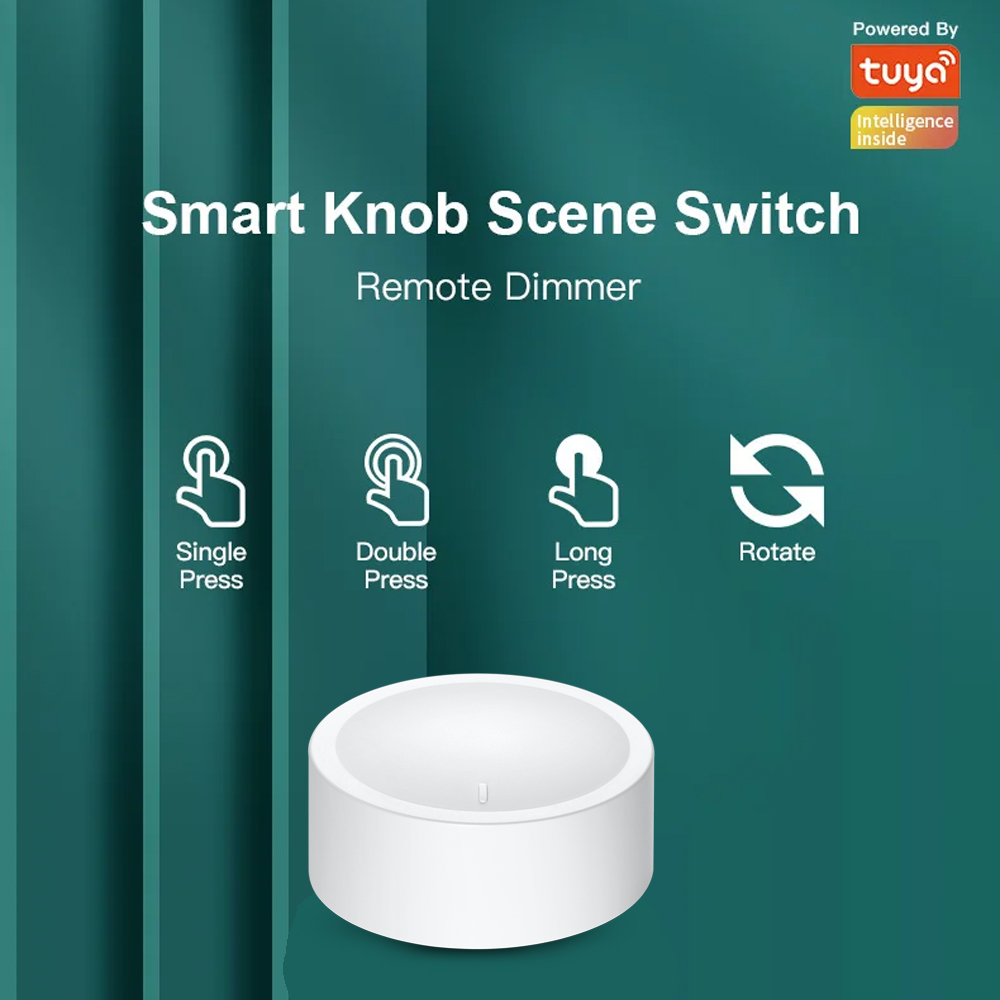
  • Two-in-one scene controller and dimmer – tap for scenes, rotate for dimming
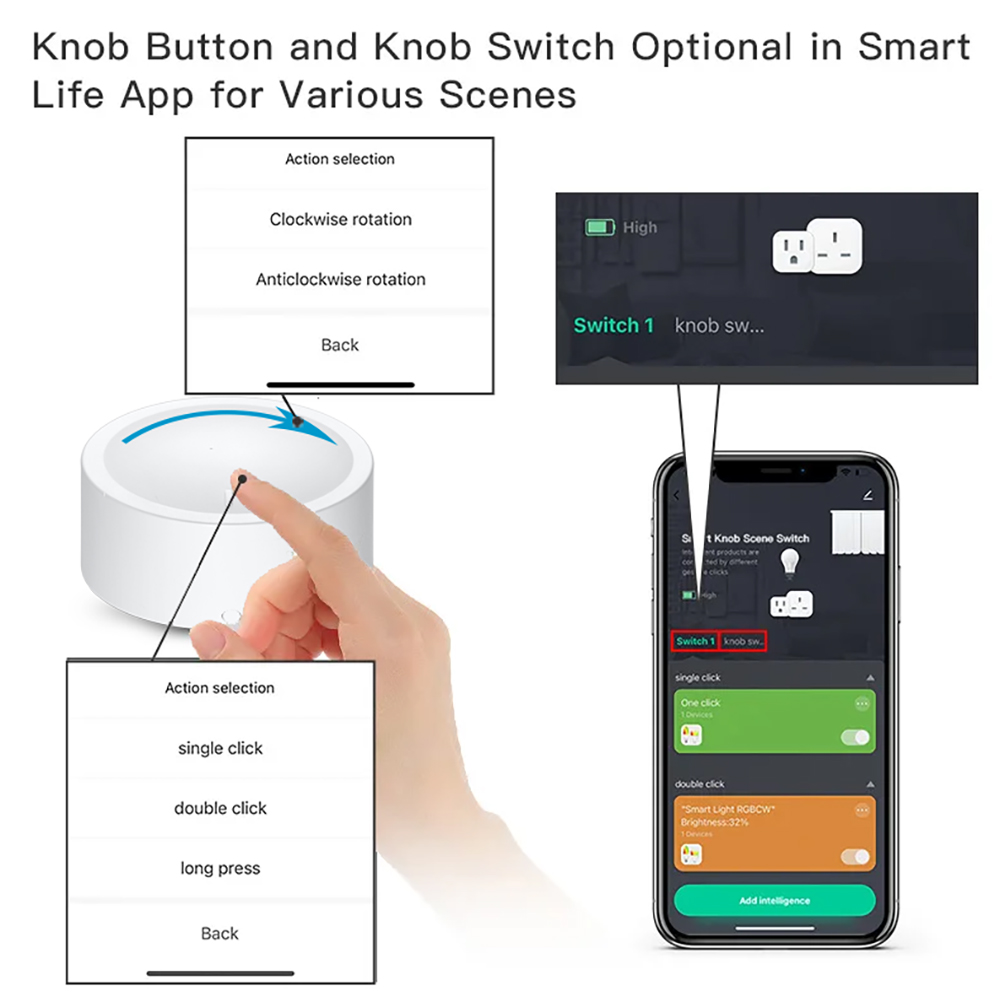
  • Single-click and double-click trigger separate Zigbee scenes
  • Rotary knob dims Zigbee bulbs and shifts colour temperature (warm / cool)
  • Pairs to any Zigbee 3.0 hub – Home Assistant, SmartThings, Hubitat, Hue Bridge, Tuya
  • Wireless and battery-powered – no wiring, place anywhere

• Two-in-One Smart Scene Controller
In scene mode, the button supports single-click and double-click actions, allowing you to trigger your favourite automations instantly. No need to open an app–simply press the Zigbee smart remote to activate any scene you’ve set up.

• Wireless Control for Zigbee Dimmable Lights
Connect the smart knob to your Zigbee hub and pair it with a Zigbee dimmable bulb through the remote-dimming interface. Once linked, you can control your lighting wirelessly with smooth and responsive adjustments.
Note: Only Zigbee lighting devices are supported for remote dimming.

• Four Intuitive Controls in Remote Mode
This compact controller gives you full lighting control:
– Single press: turn the light on/off
– Rotate: adjust brightness
– Press + rotate: change colour temperature
– Long press (3+ seconds): set colour
A powerful and versatile tool packed into a small, convenient device.

Brand

Samotech

Frequently Asked Questions

What is the Zigbee Dimmer Button?

The Samotech Zigbee Dimmer Button is a compact wireless scene controller and remote dimmer. It pairs directly to any Zigbee hub and lets you trigger smart-home scenes or wirelessly dim a paired Zigbee bulb — without opening an app.

What controls does the Dimmer Button support?

In remote-dimming mode the button supports four intuitive controls: a single press turns the light on or off, a rotary action adjusts brightness, press-and-rotate changes the colour temperature, and a long press of 3+ seconds sets the colour.

Can I use the Dimmer Button to trigger smart-home scenes?

Yes. In scene mode, the button supports both single-click and double-click actions, each of which can trigger a different scene or automation set up in your Zigbee hub.

Which lights can I dim directly with the Dimmer Button?

Only Zigbee lighting devices are supported for remote dimming. Pair the button to a Zigbee dimmable bulb through your hub’s remote-dimming interface, and you can control brightness, colour temperature, and colour wirelessly.

Can I use the Dimmer Button with non-Zigbee bulbs (WiFi or Matter)?

No, not directly — remote dimming is limited to Zigbee lighting devices. However, in scene mode you can still trigger smart-home automations from the button that act on devices of any protocol via your hub.

Which Zigbee hubs is the Dimmer Button compatible with?

The button pairs to any standard Zigbee hub — including Tuya, Home Assistant (ZHA / Zigbee2MQTT) and some other Zigbee 3.0 gateways.

Do I need to download an app to use the Dimmer Button?

You only need to use your Zigbee hub’s app for initial pairing and to set up scenes. After that the button works standalone — single-press, rotate, press-and-rotate, or long-press, with no need to open an app.

Technical Specifications

1 review for Zigbee Smart Dimmer Button / Wireless Remote – Home Assistant & Tuya Compatible

5.0
Based on 1 review
5 star
100
100%
4 star
0%
3 star
0%
2 star
0%
1 star
0%
1-1 of 1 review
  1. Great product, well made, easy to set up, and works exactly as expected. Delivery was quick and everything functioned perfectly out of the box. Very happy with it and would definitely recommend.

    (1) (0)
Add a review
You must be logged in to post a review Log In