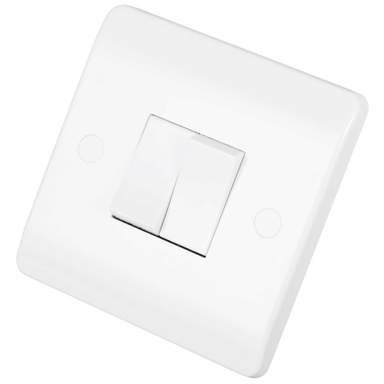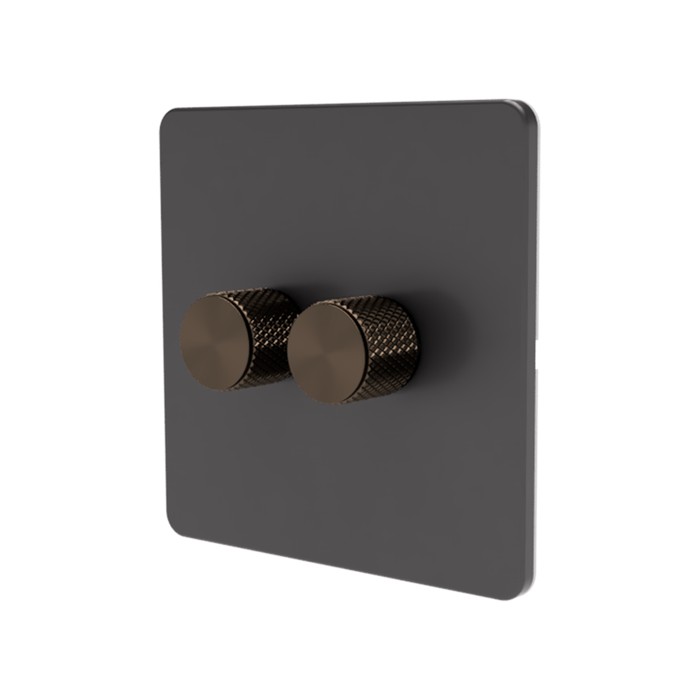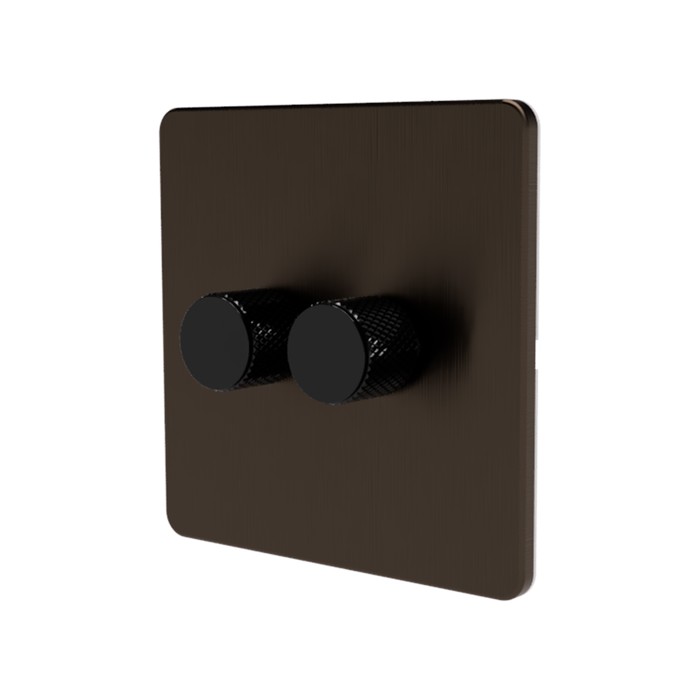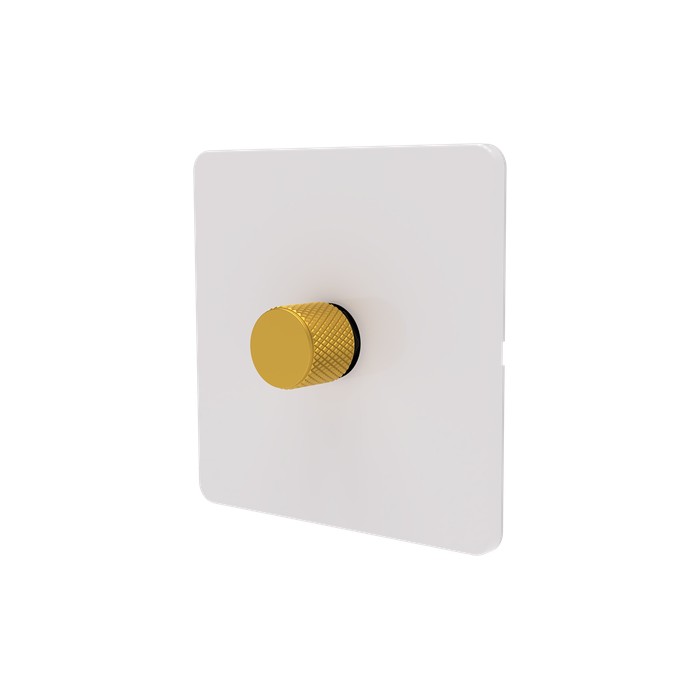
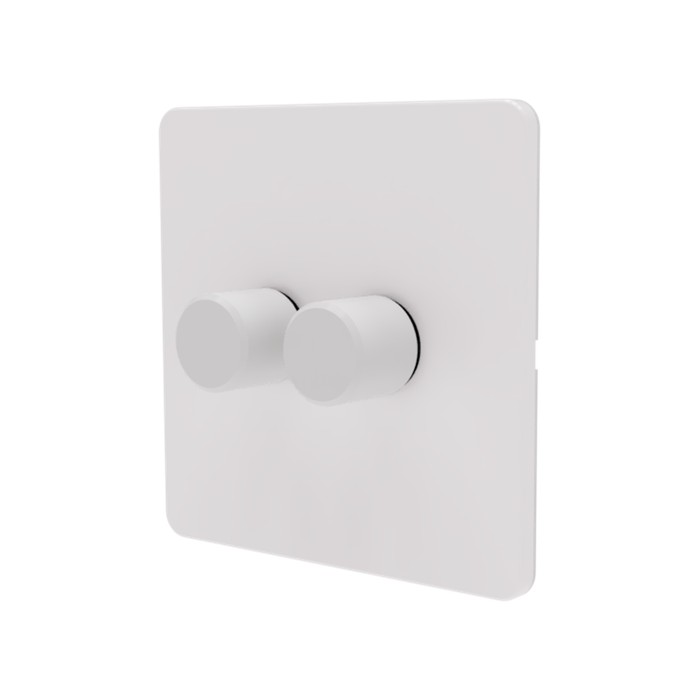
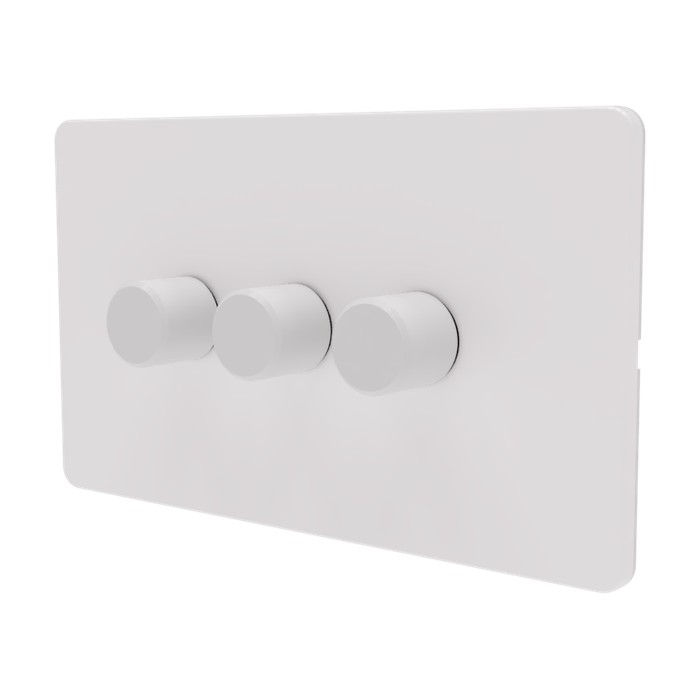
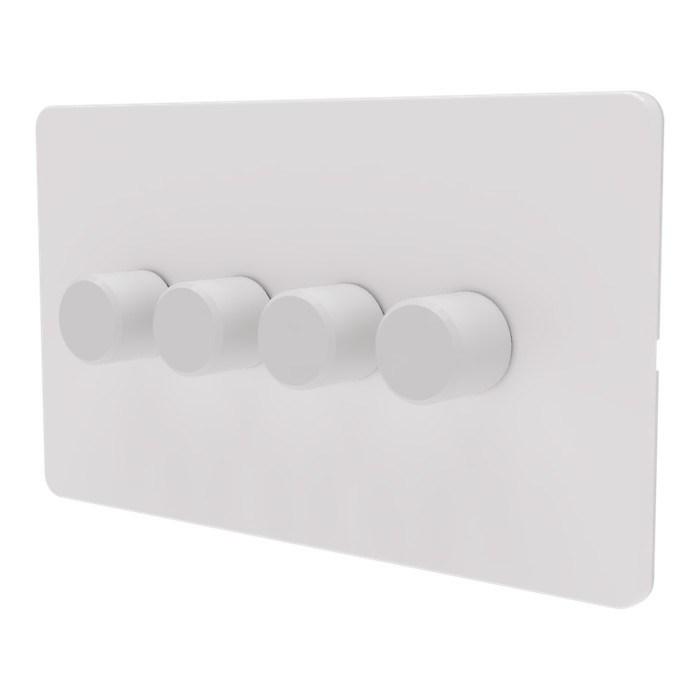
We’re excited to release the first Matter rotary dimmer in the UK, using the same reliable foundation as our trusted SM323 module. Building on our original Zigbee rotary dimmer launch five years ago, this new version brings Matter-over-Thread compatibility to UK homes.
Designed for seamless integration across Apple Home, Google Home, Amazon Alexa, and Samsung SmartThings, the new SAMOTECH Matter Over Thread Trailing Edge Dimmer offers the ultimate in compatibility, responsiveness, and energy-efficient performance.
⚙️ Key Features:
Matter over Thread Technology Enjoy ultra-fast, low-latency control with a self-healing mesh network. Thread ensures your dimmer stays responsive — even if your WIFI is down — and contributes to a more stable, scalable smart home.
Smooth & Silent Dimming The advanced trailing edge control allows precise dimming from 0–100% with no buzzing — ideal for modern LED lighting.
Works with All Major Platforms Native support for Apple HomeKit, Google Assistant, Amazon Alexa, and Samsung SmartThings via Matter — no need for proprietary apps or vendor lock-in.
Neutral Optional Installation Compatible with both neutral and no‑neutral wiring configurations, making it ideal for UK homes. The Matter dimmer also supports 2‑way wiring when used with retractive light switches.
Energy Efficient & Future-Proof Thread is designed for low power usage, making it ideal for energy-conscious homes. With Matter’s unified standard, your setup is ready for future smart home devices and updates.
Secure, Local Control All commands are executed locally via Thread, not through the cloud — meaning faster performance, improved reliability, and enhanced privacy.
🔧 Ideal For:
LED downlights and dimmable ceiling fixtures
Retrofitting existing wall switches
Users looking for reliable automation without WIFI dependency
Whether you’re building your smart home from scratch or upgrading an existing setup, our Matter over Thread Dimmer is the intelligent choice for future-ready lighting control — the performance you trust, now with the new standard.
Ecosystem
Compatible with Matter-over-Thread?
Supported Border Routers / Hubs
Apple (HomeKit)
Yes
HomePod Mini, HomePod (2nd gen), Apple TV 4K (2021+)
Google (Nest / Home)
Yes
Nest Hub (2nd gen), Nest Hub Max, Google TV 4K, Nest Wifi Pro
Amazon (Alexa / Eero)
Yes
Echo (4th gen), Echo Show 8 & 10 (3rd gen), Echo Show 15 (2nd), Echo Hub, eero Wi-Fi routers
Samsung (SmartThings)
Yes
SmartThings Hub v3, SmartThings Station, Aeotec Smart Home Hub
Known limitations
Home Assistant (Matter)
• Matter support is still evolving and depends on your Home Assistant version.
• Basic on/off and dimming are supported; advanced features may appear later.
• Acting as both Matter controller and Matter bridge requires additional configuration and supported hardware.
Apple Home (Matter over Thread)
• Requires at least one Thread Border Router (HomePod mini, HomePod 2nd gen, or Apple TV 4K with Thread).
• Sharing to other Matter controllers must be done manually via Apple Home’s sharing flow.
• Advanced automations are limited to what Apple Home exposes via Matter (no device-specific extras).
Google Home (Matter over Thread)
• Requires a Thread-capable Google device (e.g. Nest Hub 2nd gen, Nest WiFi Pro).
• Commissioning can fail if multiple Google Homes or accounts are present — ensure the correct Home is selected.
• Automation options are improving but still more limited than native Google devices.
Hubitat (Matter)
• Hubitat currently works best as a secondary Matter controller via multi-admin.
• Some Matter device types and features may not yet be fully exposed in Hubitat’s UI.
• Hubitat does not currently bridge non-Matter devices into Matter.
Additional information
Weight
40 g
Dimensions
51 × 26 × 24 mm
Technical Data
SPECIFICATIONS
Manufacturer
SAMOTECH / Sunricher
Part number
SM323-MT-SL-DIM
Item weight
30 g
Product dimensions
51 × 26 × 24 mm
Type
Trailing edge dimmer
Protocol
Matter over Thread
Input voltage
230 VAC
Compatibility
Apple Home (HomeKit) Google Home / Nest Amazon Alexa Samsung SmartThings Home Assistant Hubitat
Q: When wired using only the Live wire, lights tend to flicker at full brightness.
A: If your SM323 Matter dimmer is installed without a neutral wire, make sure to bridge L and N terminals as indicated in the wiring diagram.
Q: My lights remain faintly lit even when turned off.
A: This phenomenon may occur if the SM323 Matter dimmer is connected to a very low load. In such instances, the use of a bypass is recommended.
Q: The dimmer knob remains stuck in the pressed position and doesn't pop back out.
A: The knob has been fitted too deep. Slightly pull the knob before pushing it again.
Q: The dimmer doesn't always react when the knob is pushed.
A: Slightly pull the knob before pushing it again.
Q: What third party faceplates are compatible with the new SM323 Matter dimmer modules?
A: Most 1 and 3-gang third-party faceplates are compatible. However, we recommend using original Samotech faceplates, as they provide access to the front reset and brightness adjustment buttons.
Q: How do I factory reset the SM323 Matter dimmer if the reset button is inaccessible?
A: To factory reset the SM323 dimmer, switch the power off and on five times from the consumer unit or circuit breaker. After the final power-on, the dimmer will enter pairing mode automatically.
Q: Apple Home can’t find the SM323 Matter dimmer during Matter setup. What should I check?
A: Make sure you have an active Thread Border Router (such as a HomePod mini, HomePod (2nd gen), or Apple TV 4K with Thread). Also ensure your iPhone is on the same iCloud Home, Bluetooth is enabled, and the dimmer has been factory reset before trying again.
Q: The SM323 Matter dimmer paired in Apple Home, but doesn’t appear in Google Home or Hubitat.
A: This is expected until you explicitly share the device. Use Apple Home’s “Add accessory” / “Share accessory” option to expose the SM323 dimmer to other Matter controllers via Matter multi-admin. The device will not appear automatically.
Q: Google Home setup fails or hangs during commissioning. What can cause this?
A: Google Home requires a Thread-capable Google device (such as Nest Hub 2nd gen or Nest WiFi Pro). Ensure Thread is enabled, the Google Home app is updated, and the SM323 Matter dimmer has been factory reset before retrying setup.
Q: Hubitat can’t commission the SM323 Matter dimmer directly. Is this normal?
A: Yes. Hubitat currently works best when the SM323 dimmer is first commissioned to another Matter controller (such as Apple Home or Google Home). Once paired, you can share the device with Hubitat using Matter multi-admin.
Q: The SM323 Matter dimmer appears in Home Assistant but with limited controls.
A: Matter support in Home Assistant is still evolving. Basic on/off and dimming are supported, but some advanced features may not yet be exposed depending on your Home Assistant version and Matter integration state.
Q: The SM323 Matter dimmer responds slowly or intermittently in any Matter controller.
A: Matter over Thread relies on a healthy Thread mesh. Ensure at least one Thread Border Router is nearby, avoid metal back boxes where possible, and allow time for the Thread network to stabilise after installation.
Q: Can I use button presses or rotary gestures to expose the SM323 Matter dimmer to other Matter controllers?
A: No. The SM323 dimmer follows the Matter specification. Sharing to additional controllers is done via Matter multi-admin from the controller that already owns the device, not via physical gestures on the dimmer.
Q: Does the SM323 Matter dimmer keep working if the internet goes down?
A: Yes. Once commissioned, the SM323 dimmer operates locally over Matter over Thread. Internet access may be required for setup and some controller features, but basic control continues to work locally.
Pre-install Checklist
Pre-install checklist for SM323 Matter over Thread
• Confirm you have at least one configured Thread Border Router that is powered on and nearby. • Keep the Matter QR code or setup code safe until commissioning is complete. We recommend taking a photo and saving it. • Update your controller app (Apple Home, Google Home, Hubitat, Home Assistant) to the latest version. • If reinstalling or moving the dimmer, perform a factory reset before re-pairing. • Avoid installing in deep metal back boxes where possible, as they can reduce Thread signal strength.
Checklist: Before sharing the SM323 to other Matter controllers
• Ensure the dimmer is fully working in the primary Matter controller first. • Use the primary controller’s built-in Share / Add accessory option (Matter multi-admin). • Do not factory reset the device when adding additional controllers. • Allow a few minutes after sharing for the new controller to sync and populate controls.
Integrated LED fittings (separate LED driver, colour modes)
Conditional
Medium
Flashing or intermittent operation due to internal LED driver control
Test first
Non-dimmable LED
Not compatible
High
Flicker, overheating
Do not use with dimmers
Smart bulbs
Not compatible
High
Disconnects, rebooting
Do not use with dimmers
LED strips (220V non-dimmable driver)
Not compatible
High
Flicker, overheating
Do not use with dimmers
Fluorescent / CFL
Not compatible
High
Failure to start
Do not use with dimmers
6 reviews for Smart Matter Rotary Dimmer Light Switch
4.7
Based on 6 reviews
5 star
66
66%
4 star
33
33%
3 star
0%
2 star
0%
1 star
0%
Customer Images
Rated 5 out of 5
Alex
Straightforward good quality switch - love the inclusion of Thread. Easy to setup with Apple Home via Matter.
(1)(0)
1-6 of 6 reviews
Dave F.
Rated 5 out of 5
The switch was easy to install and connection to my smart home device was simple.
(0)(0)
Octavian
Rated 5 out of 5
Great product, probably a unique product on the market right now. A non-dimmer version would also be great, for dummy dimmer scenarios
(0)(0)
Alex
Rated 5 out of 5
Straightforward good quality switch – love the inclusion of Thread. Easy to setup with Apple Home via Matter.
(1)(0)
Andy E.
Rated 4 out of 5
The dimmer modules work well. However, what felt like it could have been a 10 minute job was much longer due to the way pairing is done. The pairing and configuration buttons are on the front of the module, which means they can’t be pressed after fitting in place. I wasn’t sure if I might need to pair them again in the future and didn’t fancy playing around with the modules while they were hanging out of the wall. Luckily I have a screwless faceplate, so I used the plastic face of one of the modules as a template to drill access holes for the button, so if I need to press them I only need to pop the faceplate off. Getting that plastic cover off was a pain, though.
A much better way would be something like pressing in the dimmer for 10 seconds to put it into pairing mode.
(0)(0)
Michael
Rated 4 out of 5
Compact easy to install, cames with power management. Connected to my homey hub. The only thing it can’t do, but this may be user error or is not being exposed by homey is to convert the switch into a virtual switch for controlling smart bulbs. All in all, good quality product.
(0)(0)
Adam S.
Rated 5 out of 5
Great dimmer switch. It’s been reliable so far and works perfectly with my apple Home setup. Dimming and switching the lights with siri works exactly as I expected it. The video was really helpful for understanding the no-neutral installation, and I had everything set up in less than 15 minutes. I’ll definitely be replacing my other dumb dimmers with this one later this year. I do wish it were a bit cheaper though, but there doesn’t really seem to be a any alternative anywhere.
We use cookies to ensure that we give you the best experience on our website. If you continue to use this site we will assume that you are happy with it.AcceptPrivacy policy
The switch was easy to install and connection to my smart home device was simple.
Great product, probably a unique product on the market right now. A non-dimmer version would also be great, for dummy dimmer scenarios
Straightforward good quality switch – love the inclusion of Thread. Easy to setup with Apple Home via Matter.
The dimmer modules work well. However, what felt like it could have been a 10 minute job was much longer due to the way pairing is done. The pairing and configuration buttons are on the front of the module, which means they can’t be pressed after fitting in place. I wasn’t sure if I might need to pair them again in the future and didn’t fancy playing around with the modules while they were hanging out of the wall. Luckily I have a screwless faceplate, so I used the plastic face of one of the modules as a template to drill access holes for the button, so if I need to press them I only need to pop the faceplate off. Getting that plastic cover off was a pain, though.
A much better way would be something like pressing in the dimmer for 10 seconds to put it into pairing mode.
Compact easy to install, cames with power management. Connected to my homey hub. The only thing it can’t do, but this may be user error or is not being exposed by homey is to convert the switch into a virtual switch for controlling smart bulbs. All in all, good quality product.
Great dimmer switch. It’s been reliable so far and works perfectly with my apple Home setup. Dimming and switching the lights with siri works exactly as I expected it. The video was really helpful for understanding the no-neutral installation, and I had everything set up in less than 15 minutes. I’ll definitely be replacing my other dumb dimmers with this one later this year. I do wish it were a bit cheaper though, but there doesn’t really seem to be a any alternative anywhere.