Prices increase 1 July. Order now to lock in current pricing.

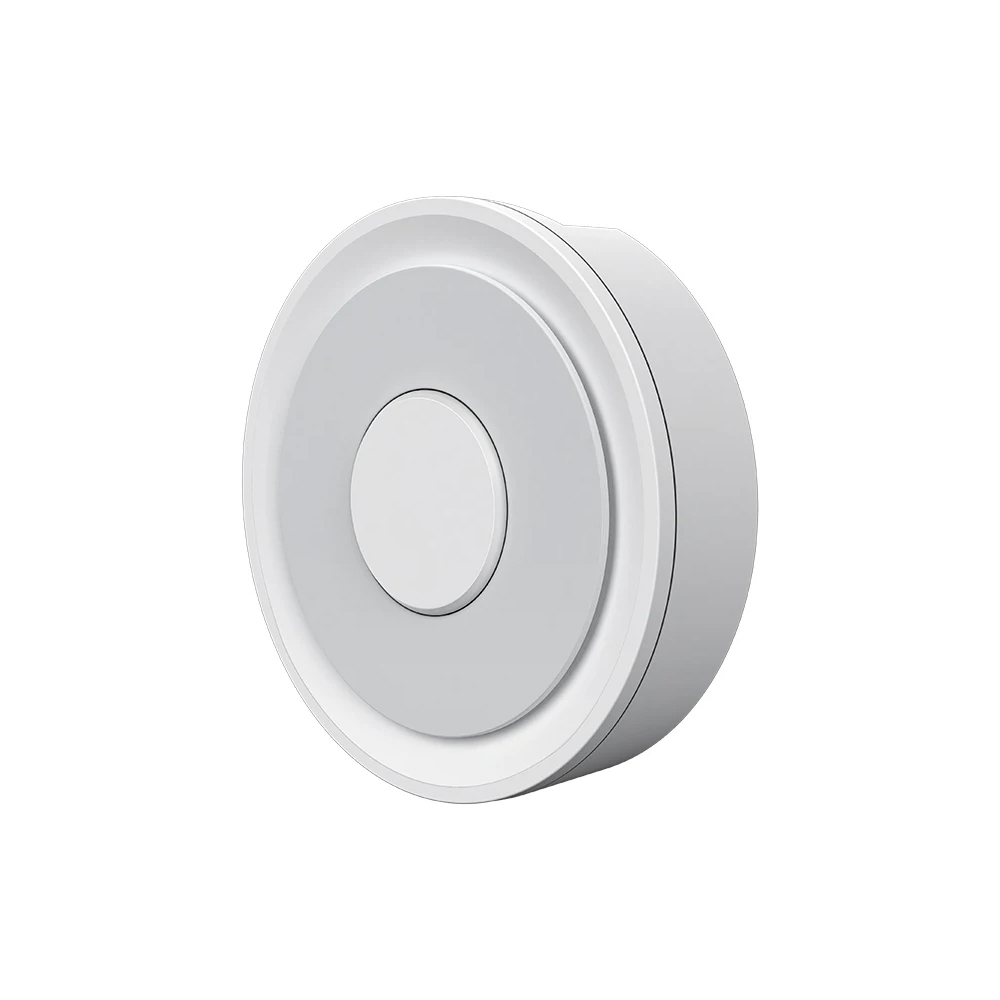
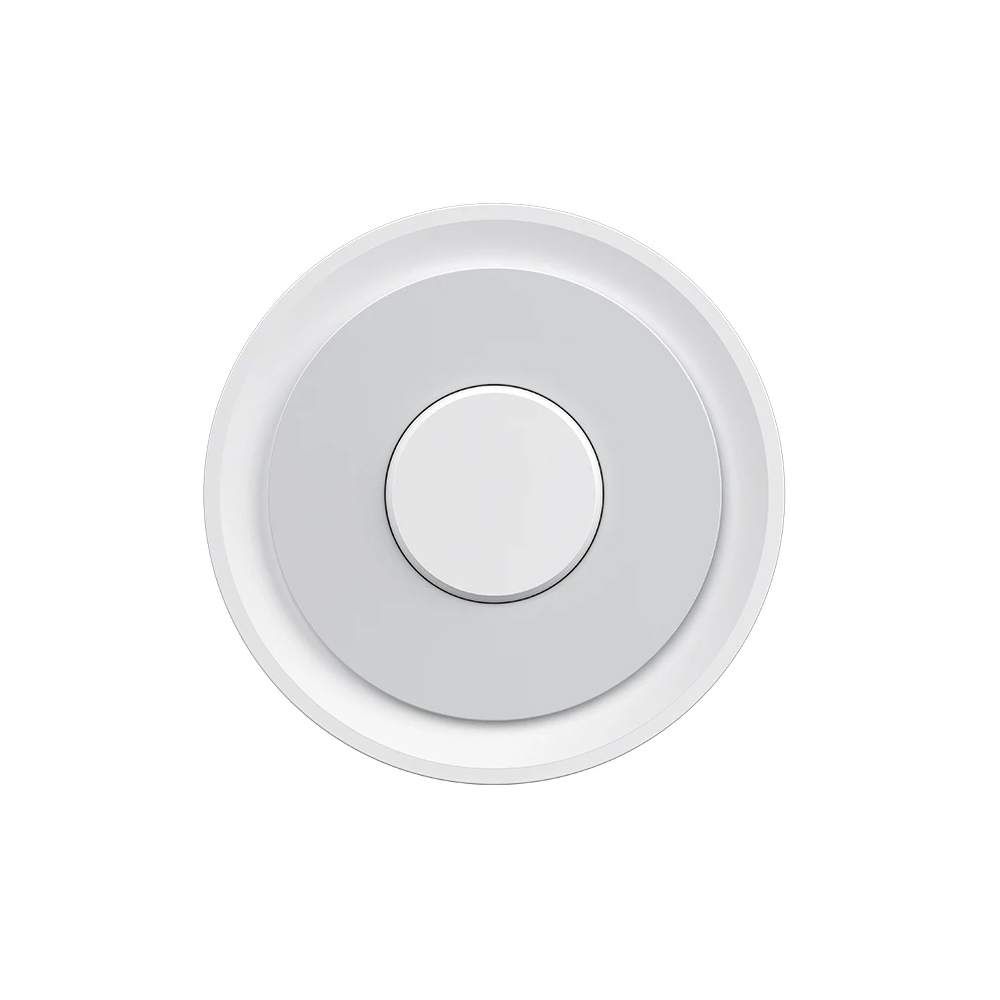
Zigbee Gateway UK – Tuya / SmartLife Hub (HomeKit, Alexa, Google)

(9 customer reviews)

£24.99

A compact USB-powered Zigbee 3.0 hub that bridges Tuya Zigbee devices to the Tuya / SmartLife app and onward to Apple HomeKit, Alexa, and Google Home. Suitable if you already use Tuya / SmartLife products and want to add Zigbee devices without changing your existing ecosystem. For local-first Home Assistant setups with no cloud dependency, see our All-In-One Zigbee/Z-Wave HA Hub.

  • Bridges Tuya Zigbee devices into the Tuya / Smart Life app – stay in the ecosystem you already use
  • USB-powered – plug into any USB-A port or mains adapter, no separate PSU
  • Exposes Zigbee devices to Apple HomeKit, Alexa and Google Home via the Tuya bridge
  • Ideal for users who already have Tuya / Smart Life Wi-Fi products and want to add Zigbee
  • For local-first Home Assistant control without cloud, consider the SM310ZHA all-in-one hub instead

Out of stock

NOTIFY ME WHEN BACK IN STOCK

A USB-powered Tuya Zigbee 3.0 gateway. Acts as the bridge between your Zigbee devices (Samotech and other Zigbee 3.0 products) and the Tuya / SmartLife mobile app. Once paired, devices behind this gateway are also accessible via Alexa, Google Home, and Apple HomeKit through the Tuya integrations.

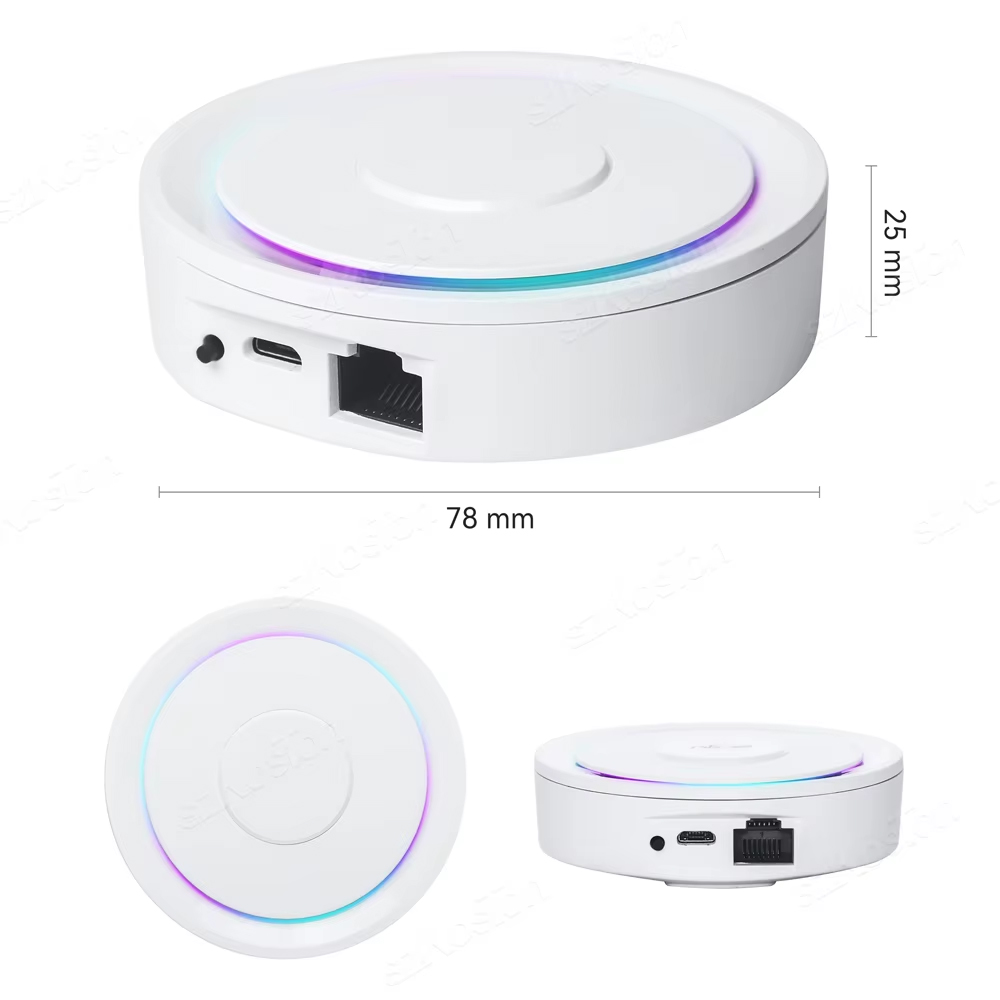
Compact, fanless, plug-and-play. Connects to your router via Ethernet and powers from any USB port (USB cable included, plug not included).

When to use this hub vs Home Assistant

This is the right product if:

  • You already use Tuya / SmartLife – the rest of your smart home runs through the Tuya app and you want to add Zigbee devices without changing ecosystem.
  • You want HomeKit support out of the box – this hub is one of the few Zigbee gateways with native HomeKit bridge functionality through Tuya.
  • You don’t want to manage a Home Assistant install – this is hub-and-app, nothing to maintain, no operating system to patch.

For a local-first setup with no cloud dependency, see our SM310ZHA All-In-One Zigbee/Z-Wave Hub with pre-installed Home Assistant – better fit for power users.

What works through this hub

  • All Samotech Zigbee products (light switches, dimmers, modules, plugs, sensors, smoke detectors).
  • Any other Tuya Zigbee 3.0 device (the Tuya ecosystem is large – thousands of devices).
  • Most generic Zigbee 3.0 devices (compatibility varies – the Tuya app is more restrictive than Home Assistant; if a specific device is critical, check before buying).

Setup walkthrough

  1. Connect the Ethernet cable from the hub to a free port on your router.
  2. Connect the USB cable to a USB power source (a phone charger, a USB port on the router, or a powered hub).
  3. Install the SmartLife or Tuya app on your phone.
  4. Tap “+” to add a new device, choose “Gateway control” → “Wireless Gateway (Zigbee)”.
  5. The app auto-discovers the hub on the local network. Pair it within 60 seconds.
  6. Add Zigbee devices through the gateway interface in the app.
  7. Optional: enable the Tuya / SmartLife integration in Alexa, Google Home, or HomeKit to control everything via voice.

Specifications

Specification Detail
Protocol (Zigbee side) Zigbee 3.0
Backhaul Ethernet (RJ45)
Power USB 5V (cable included, plug not included)
Voice control Alexa, Google Home, Apple HomeKit
App Tuya / SmartLife (iOS, Android)
Max paired devices ~50 (varies by mesh quality)
Local control Partial (most actions via Tuya cloud)
Certification CE, UKCA, RoHS
Brand

NEO Coolcam

Frequently Asked Questions

What does the Samotech Zigbee Gateway (HomeKit) do?

This Zigbee gateway acts as the central hub for your Tuya-compatible Zigbee smart home, pairing all your Zigbee devices into a single mesh network. Beyond Tuya, this gateway also offers Apple HomeKit compatibility, making it suitable for households integrating Tuya devices with HomeKit.

How is this different from the Samotech SM310ZHA Hub?

The SM310ZHA Hub (sold separately) ships with Home Assistant pre-installed and supports Zigbee, Z-Wave, and WiFi. This Zigbee Gateway (NEOZGBGTWHK) is a smaller, focused Tuya-compatible Zigbee 3.0 hub with HomeKit support — ideal if you primarily want Tuya devices on HomeKit, without running Home Assistant.

Which platforms is the gateway compatible with?

The gateway is built for Tuya and Smart Life devices via the Smart Life and Tuya apps. It also has HomeKit compatibility built in, so it can integrate with Apple Home alongside Tuya control.

How is the gateway powered?

The gateway runs on 5V via any standard USB port. Standby power is just 0.5W. Note: the USB power supply is not included — use any standard USB plug or power source.

Does the gateway connect via Ethernet or WiFi?

Both. The gateway has an RJ45 100M Ethernet port for wired connections (recommended for reliability), and also supports WiFi 2.4GHz for wireless setup.

How do I set up the gateway?

Download the Smart Life or Tuya app on your phone, plug in the gateway via USB and connect it to Ethernet or WiFi, then follow the app’s on-screen setup wizard. The app guides you through pairing your Zigbee devices to the new gateway.

What are the dimensions and weight?

The gateway measures 78 × 78 × 25 mm and weighs 100g — compact enough to sit discreetly on a shelf, on a desk, or beside a router.

Technical Data

Manufacturer TUYA
Part number NEOZGBGTWHK
Item Weight 100g
Product Dimensions 78 x 78 x 25 mm
Type Zigbee Smart Gateway
Protocol Zigbee 3.0/Wi-Fi 2.4Ghz
Input Voltage 5V
Standby Power 0.5W
Ports RJ45 100M Ethernet
Compatibility Homekit

9 reviews for Zigbee Gateway UK – Tuya / SmartLife Hub (HomeKit, Alexa, Google)

4.9
Based on 9 reviews
5 star
88
88%
4 star
11
11%
3 star
0%
2 star
0%
1 star
0%
1-9 of 9 reviews
  1. Amazingly easy.

    (0) (0)
  2. Very happy with the service

    (0) (0)
  3. (0) (0)
  4. (0) (0)
  5. Cheap but does the job fine.

    (0) (0)
  6. (0) (0)
  7. Works exactly as expected.

    (0) (0)
  8. Really easy to set up. I was concerned it would need an ethernet cable to connect to the router as I am using a wireless SIM router. No problem, connected and working within 10 minutes.

    (0) (0)
  9. Good product, easy to install.

    (0) (0)
Add a review
You must be logged in to post a review Log In